
During installation, HubSpot will display a permission approval screen asking you to grant the integration access to your HubSpot account. You must approve these permissions for the integration to work correctly.
What you will see
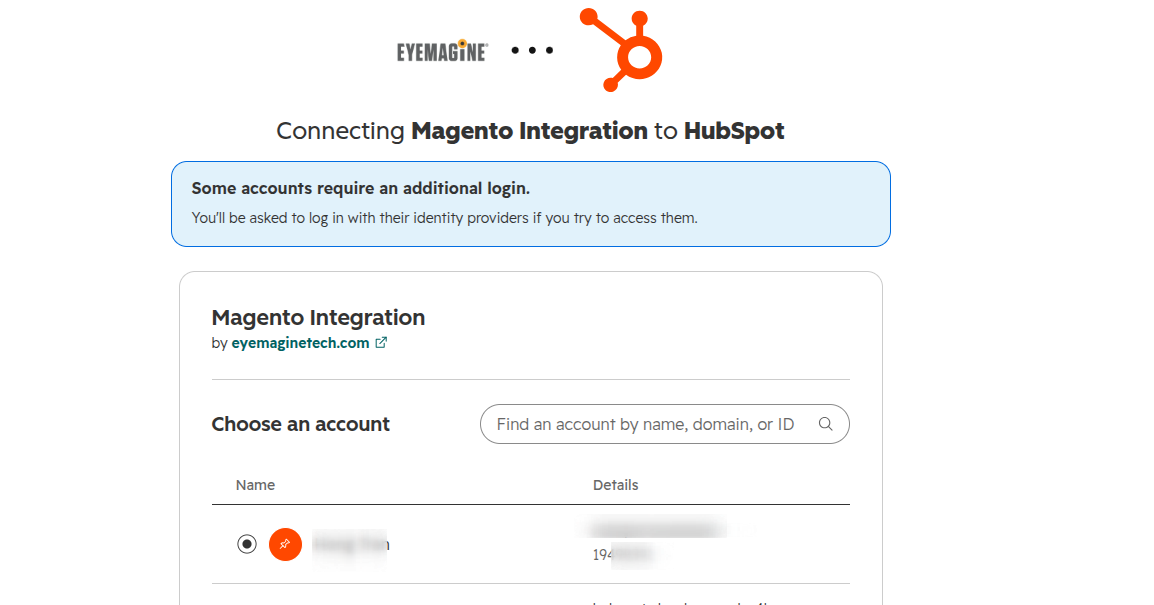
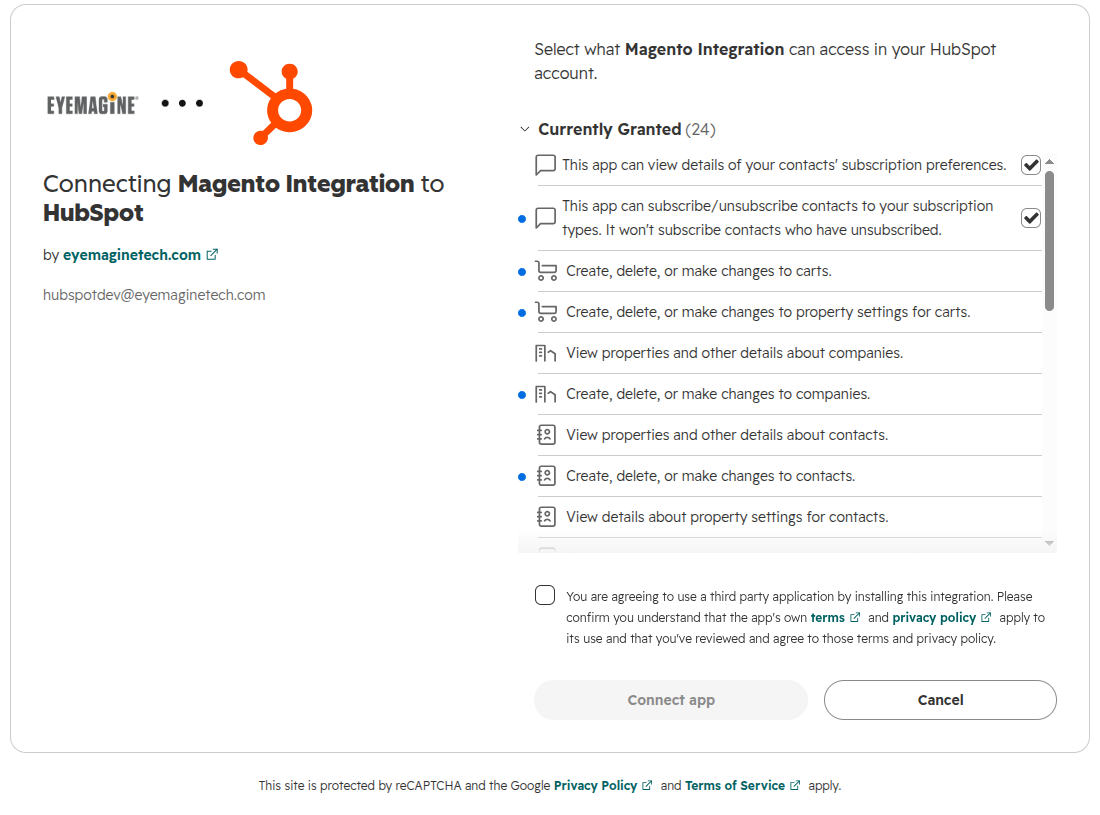
After entering your Portal ID and selecting your HubSpot account, HubSpot will show a screen listing the permissions being requested. Click Grant Access to continue.
Permissions requested and why
| Permission | Purpose |
|---|---|
oauth | Authenticate and connect your HubSpot account |
forms | Access HubSpot forms associated with your portal |
crm.objects.contacts.read | Read existing contact records |
crm.objects.contacts.write | Create and update contacts from Magento customers |
crm.schemas.contacts.read | Read contact property definitions |
crm.schemas.contacts.write | Create custom contact properties |
crm.objects.companies.read | Read existing company records |
crm.objects.companies.write | Create and update company records |
crm.objects.deals.read | Read existing deal records |
crm.objects.deals.write | Create and update deals from Magento orders |
crm.schemas.deals.read | Read deal property definitions |
crm.schemas.deals.write | Create custom deal properties |
crm.objects.owners.read | Read HubSpot user/owner data for record assignment |
crm.objects.line_items.read | Read existing line item records |
crm.objects.line_items.write | Create line items and attach them to deals |
crm.schemas.line_items.read | Read line item property definitions |
crm.objects.orders.write | Create order records from Magento orders |
crm.schemas.orders.write | Create custom order properties |
crm.pipelines.orders.write | Manage order pipeline stages |
crm.objects.carts.write | Create abandoned cart records |
crm.schemas.carts.write | Create custom cart properties |
e-commerce | Enable the HubSpot eCommerce Bridge for syncing |
Optional permissions
| Permission | Purpose |
|---|---|
communication_preferences.read | Read contact email subscription preferences |
communication_preferences.write | Update email subscription preferences for synced contacts |
Important
- If you click Deny or close the screen, the integration will not be connected.
- You must be a Super Admin in HubSpot to approve these permissions.
- These permissions only allow the integration to read and write data related to your Magento store. No other data in your HubSpot account is accessed.